






Knowing How to Pay Parking in Dubai is one of the first things a renter should sort out, because paid parking is enforced across most of the city and fines add up quickly. Dubai uses mobile apps, SMS, and meters for paid zones, so you can pay without carrying coins. Many visitors start by looking for the cheapest car rental company, but parking fines can erase any saving, so it pays to learn the system before you drive. This guide explains the main payment methods, how zones and hours work, and how to avoid fines in a rental car.
How to Pay Parking in Dubai: The Main Methods
Paid parking in Dubai is run mainly by the Roads and Transport Authority (RTA) and Parkin, the company that manages most public parking. Several payment options exist, so you can choose what suits you.
| Method | How It Works | Best For |
| mParking (SMS) | Send an SMS with plate and zone details | Quick payment without an app |
| Parkin app | Pay and extend time from your phone | Regular parkers and longer stays |
| RTA Dubai Drive app | Pay and manage parking through the RTA app | Visitors who already use RTA services |
| Parking meters | Pay at the meter with a card or coins, where available | Drivers who prefer to pay on the spot |
Features, fees, and supported methods can change, so check the official Parkin website (parkin.ae) and the RTA website (rta.ae) for the latest details.
What Is mParking and How Does It Work in a Rental Car?
mParking is the mobile payment option for parking in Dubai. You send a text message that includes the car’s plate details and the parking zone code, and the cost is deducted through your phone service.
In a rental car, you use the plate number of the rental vehicle, not your own. Check the plate carefully on the car before you send anything, since a wrong digit means the payment does not match the car.
The exact SMS format and fees can change, so confirm them on the official RTA or Parkin pages before you rely on them. Tourists should also check whether their mobile plan supports the service.
Using the Parkin App to Pay Parking in Dubai
The Parkin app lets you pay for parking, extend your time, and view your parking history from your phone. This is often the easiest option for visitors, because you do not need to find a meter.
A simple routine looks like this:
- Download the app before you drive. Install it and set up your account at your hotel, not at the car park.
- Add the rental car’s plate. Enter the plate number and emirate carefully.
- Find your zone code. Parking signs show the zone, usually a letter and number.
- Choose your time and pay. Select the duration and complete the payment.
- Extend if needed. Add time from your phone if you stay longer.
- Save the receipt. Keep a screenshot until the rental ends.
Understanding Parking Zones, Hours and Fees
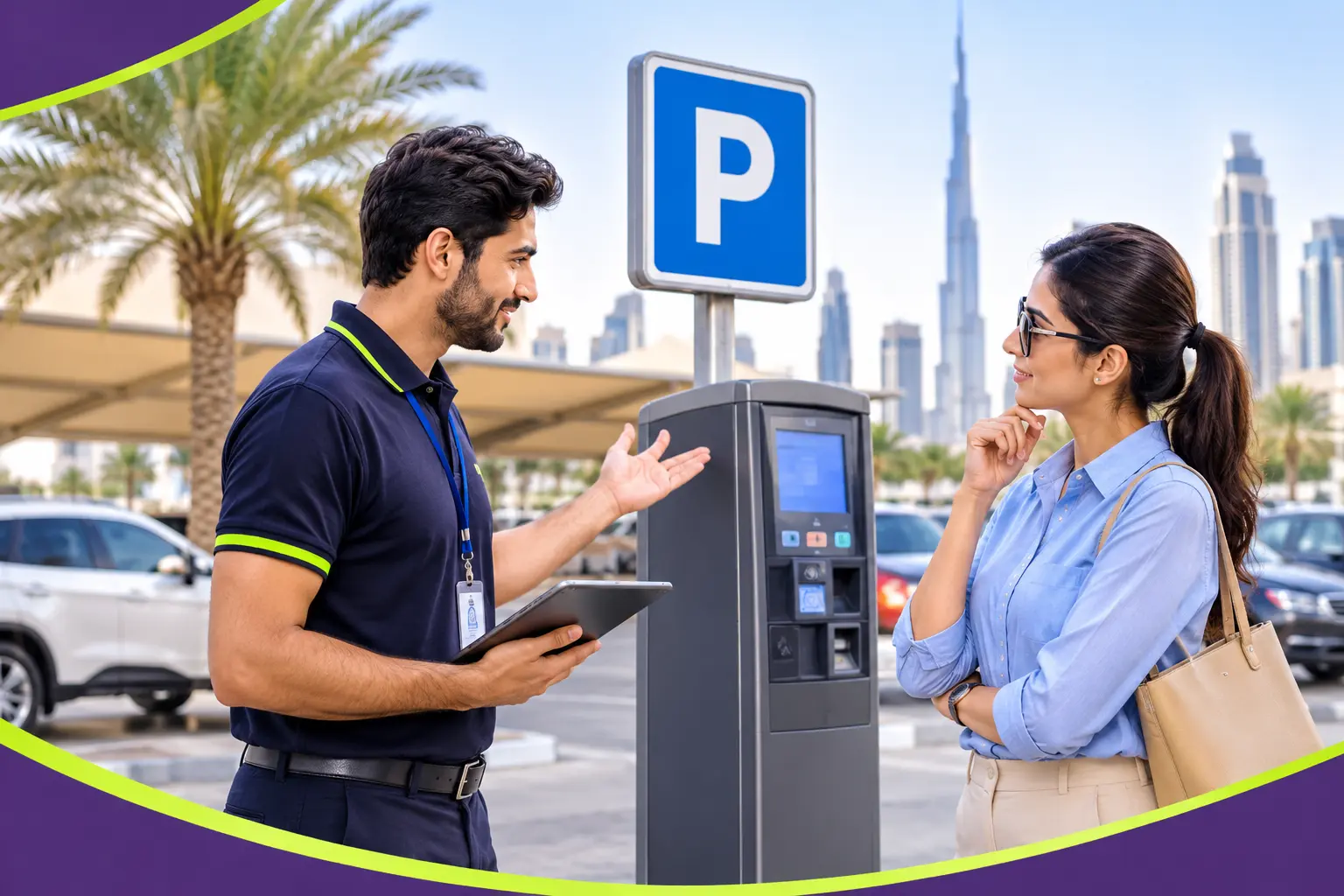
Paid zones usually have signs that show the zone code, the hours, and the rates. Rates differ by area, with busy central locations costing more.
- Check the sign every time. Hours and rates can differ from one street to the next.
- Look for the zone code. You need it for both the SMS and the app.
- Note free periods. Some areas are free at certain times, such as Fridays or public holidays, but this varies by zone.
- Watch the maximum stay. Some areas limit how long you may park.
Because rules differ by location, rely on the signs and official sources rather than memory.
Paying Parking in a Rental Car: What Is Different?
Renting adds a few points you do not face in your own car. The car is registered to the rental company, so any fine is linked to them first.
If you do not pay for parking, the fine goes to the rental company, which usually passes it to you. Some also add an administrative fee for handling it.
This is why paying properly matters. Our guide on what happens during car return and inspection explains how fines and charges are reviewed at drop-off.
Parking Fines and How Rental Companies Handle Them
If you receive a parking fine, the rental company is notified, and the charge may be deducted from your security deposit or billed afterwards. Some fines appear days or weeks after the rental ends.
To protect yourself:
- Keep your payment receipts or screenshots until your deposit is released.
- Ask your provider how they handle fines and what admin fee applies.
- Pay promptly if you are notified, to avoid extra charges.
- Do not park in a way that blocks traffic, even briefly.
Fine amounts and rules are set by the authorities, so check rta.ae for current information. Our guide on Salik recharge and toll management explains how tolls, another common extra, are billed on rentals.
Tips for Tourists: Setting Up Before You Drive
A little preparation makes parking easy from day one.
- Install the apps and register while you have Wi-Fi.
- Check that your phone can send and receive SMS if you plan to use mParking.
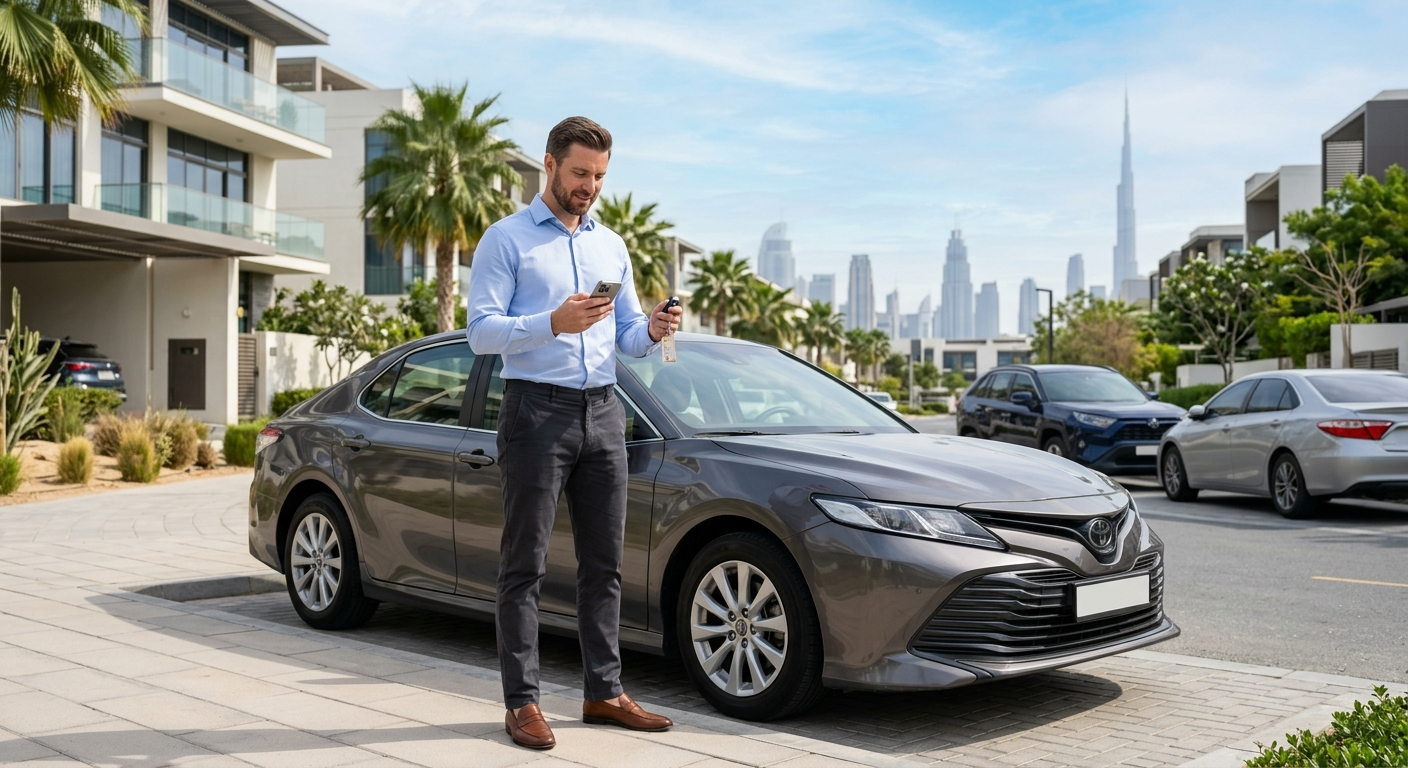
- Take a photo of the rental car’s plate so you always have it.
- Add a small payment buffer to your account if the app uses a balance.
- Keep your phone charged, since you need it to pay and extend.
If you arrive at the airport, set this up before you collect the car. A Dubai airport car rental pickup is a good moment to confirm the plate details with the agent.
Renting at the Airport and Paying Parking From Day One
Many visitors choose a Dubai airport car rental to start their trip quickly. Before leaving the car park, confirm the plate number, and ask the agent whether any parking tips apply in your area.
If you plan to rent a car in Dubai for a few days, ask your provider how parking fines are billed. Also read our guide on driving in Dubai for the first time for the main road rules that every new driver should know.
Cost Control: Parking Habits That Save Money
Parking costs can add up, especially in central areas. A few habits help keep them down.
- Compare nearby zones, since a short walk can lower the rate.
- Use malls and hotels with their own parking where it is cheaper.
- Pay only for the time you need, then extend if plans change.
- Plan visits outside peak hours when you can.
If you are comparing options for a budget trip, a cheap car rental Dubai deal is only good value if you also manage extras such as parking, tolls, and fuel.
Rental Plans for Longer Stays in the City
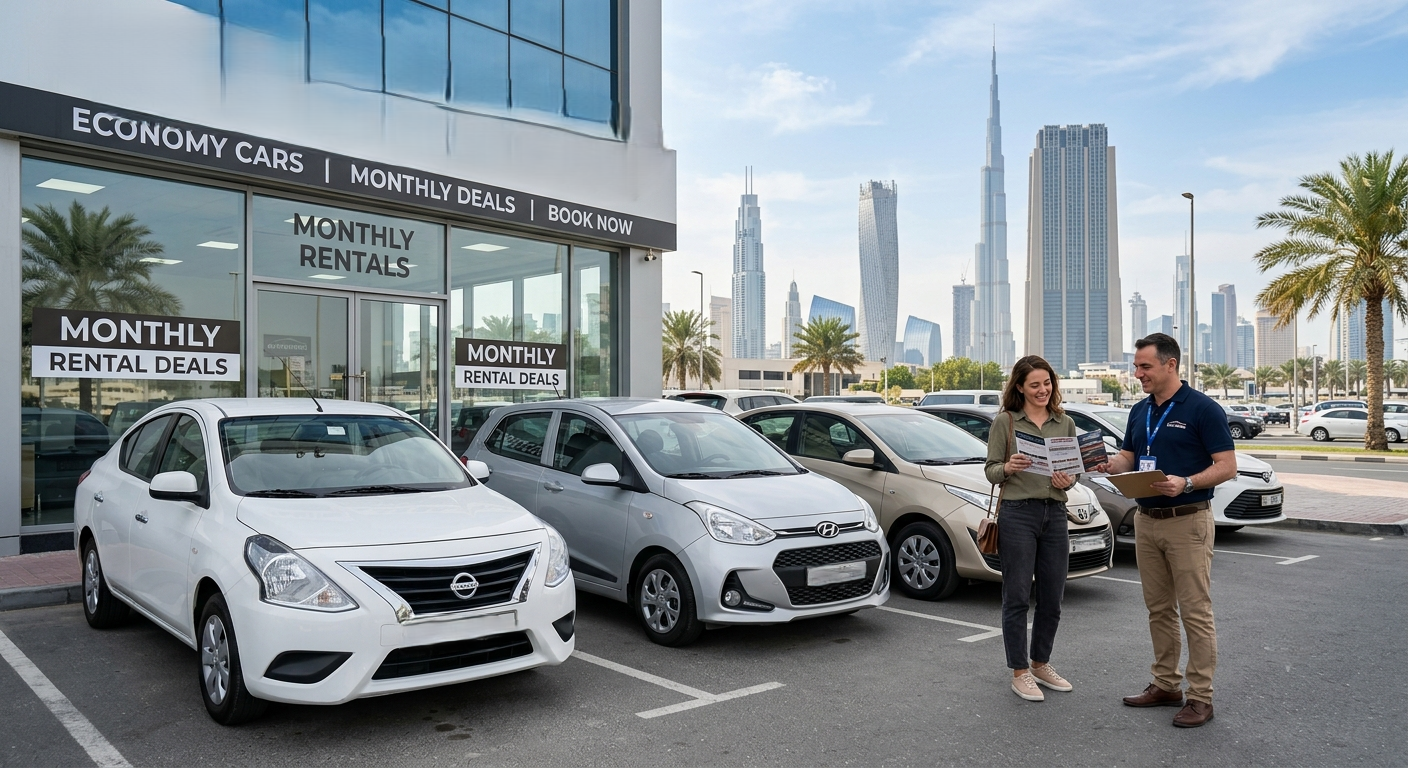
If you will be in Dubai for weeks, compare daily rates with monthly car rentals in Dubai. A monthly car rental Dubai plan can lower your daily cost, and you will learn the parking routine quickly.
A rent a car monthly Dubai option also gives you one agreement and one deposit for the whole stay. Ask how fines are handled over a longer period.
Residents who drive daily may prefer a lease. People exploring the best car lease Dubai providers offer usually want fixed costs and included servicing, and many also check whether residential parking permits apply to their area.
Key Terms, Explained Simply
A few terms come up often when paying for parking.
- mParking: The SMS-based parking payment method in Dubai.
- Parkin: The company that manages most paid public parking in Dubai.
- Zone code: The letter and number on parking signs that identifies the area.
- Security deposit: A refundable amount held to cover fees, fines, or damage.
Final Thoughts on How to Pay Parking in Dubai
Now you know How to Pay Parking in Dubai with a rental car. Set up the app or SMS before you drive, use the correct plate and zone code, and keep your receipts until the deposit is released.
A few minutes of preparation prevents fines, admin fees, and stress at the end of your trip.
Frequently Asked Questions
1. How do I pay for parking in Dubai?
You can pay by SMS through mParking, through the Parkin app, through RTA services, or at parking meters where available. You need the car’s plate number and the zone code shown on the parking sign.
2. Can tourists use mParking and the Parkin app in a rental car?
Yes, in most cases. You enter the rental car’s plate number rather than your own. Check that your phone and payment method are supported, and confirm current details on the official Parkin and RTA websites.
3. What happens if I do not pay for parking in a rental car in Dubai?
A fine is issued to the car’s registered owner, which is the rental company. They usually pass it on to you and may add an admin fee, often deducted from your security deposit.
Rent Smarter in Dubai With Headway
Want a rental with clear terms on fines, tolls, and parking charges? Headway Rent a Car offers flexible daily, monthly, and lease options, doorstep delivery, and 24/7 roadside assistance. Contact our team today on WhatsApp or call +971 50 432 3629 to rent a car in Dubai with transparent terms.